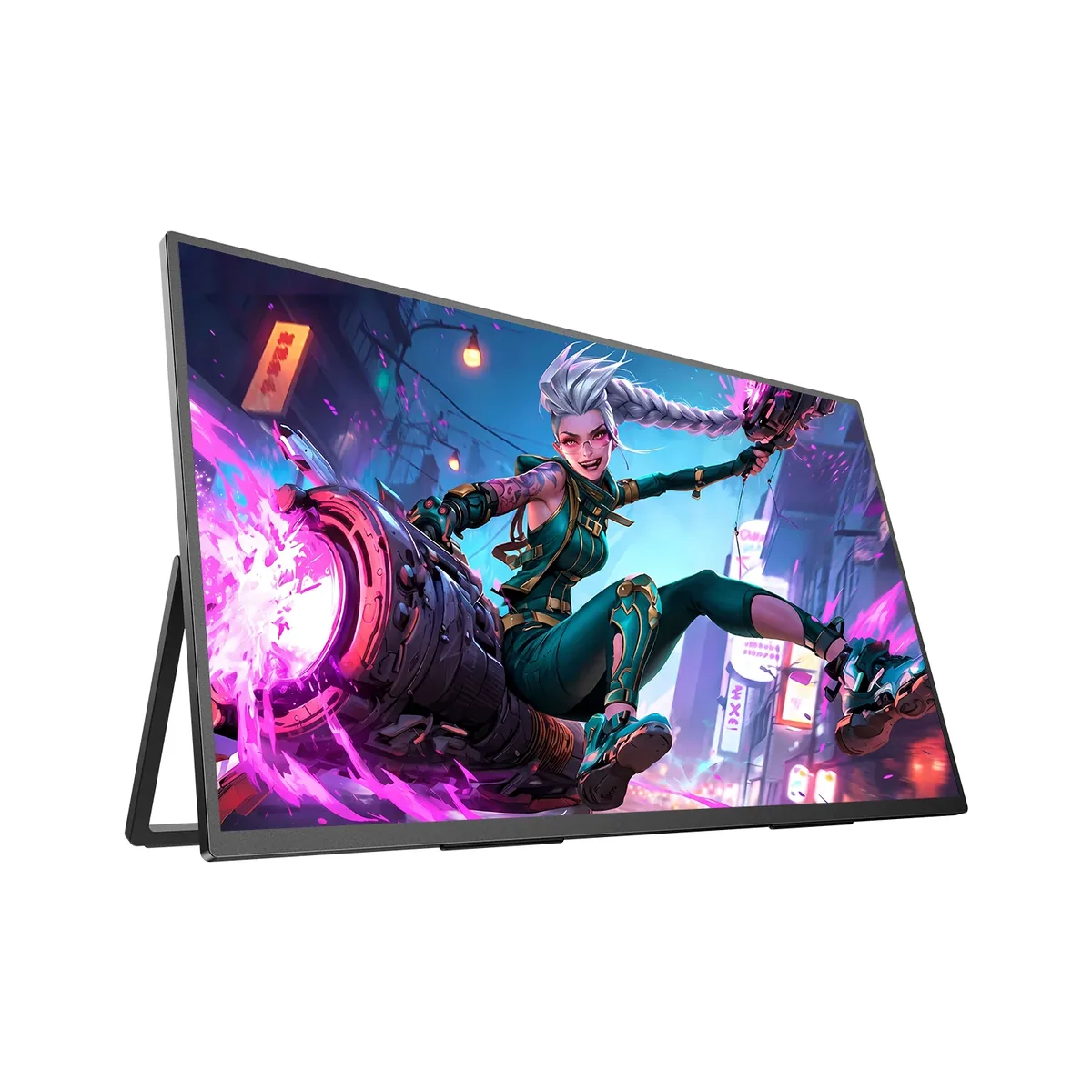
UPERFECT~$480
UPERFECT GR19BU
19″ · 3840×2160 · 144 Hz · QLED
- Sharpness
- 97ppd · retina-class
- HDR
- No HDR
- USB-C power
- No USB-C power
- 19-inch 4K
- 144 Hz
- 3 lb
Best for: A desk-class 4K panel for people who keep changing desks
Desktop monitors · updated 2026-09-25
Two feet is where a desk monitor sits, so that is where this catalog measures from. Every panel here gets its pixels per degree of vision worked out, every HDR badge gets checked against the hardware behind it, and every port gets its link rate compared against what the panel actually demands.
84 monitors · 21 brands · $110–$2,999 · 38 that can display HDR · 43 a console drives at full speed
Pixels per degree at 24 inches
The sharpest panel here is the UPERFECT GR19BU at 97, and it is 19 inches across — which is the whole point, because pixels per inch cannot be compared between screens you view from different distances. The arithmetic.
Gaming
25 models · from $190
Refresh rate and response first, contrast second
Sharpest: Sony INZONE M9 II, 69 ppd
OLED gaming
21 models · from $590
Per-pixel contrast, at the cost of brightness and text
Sharpest: Alienware AW2725Q, 69 ppd
Ultrawide
14 models · from $660
One panel instead of two, and one cable
Sharpest: HP Z40c G3, 59 ppd
Portable
9 models · from $110
The sharpest panels here, in a bag
Sharpest: UPERFECT GR19BU, 97 ppd
4K/5K creator
8 models · from $429
Pixel density and gamut instead of speed
Sharpest: Apple Studio Display, 91 ppd
Productivity
7 models · from $300
USB-C power, a KVM, and text that lasts all day
Sharpest: Dell S2725QS, 68 ppd
Filter by panel, resolution, size, refresh rate and price. The default order is sharpness at a desk distance rather than diagonal or price, because that is the figure the spec sheet leaves you to work out. Tick up to three and their specifications line up in one table.
84 monitors found
19″ · 3840×2160 · 144 Hz · QLED
Best for: A desk-class 4K panel for people who keep changing desks
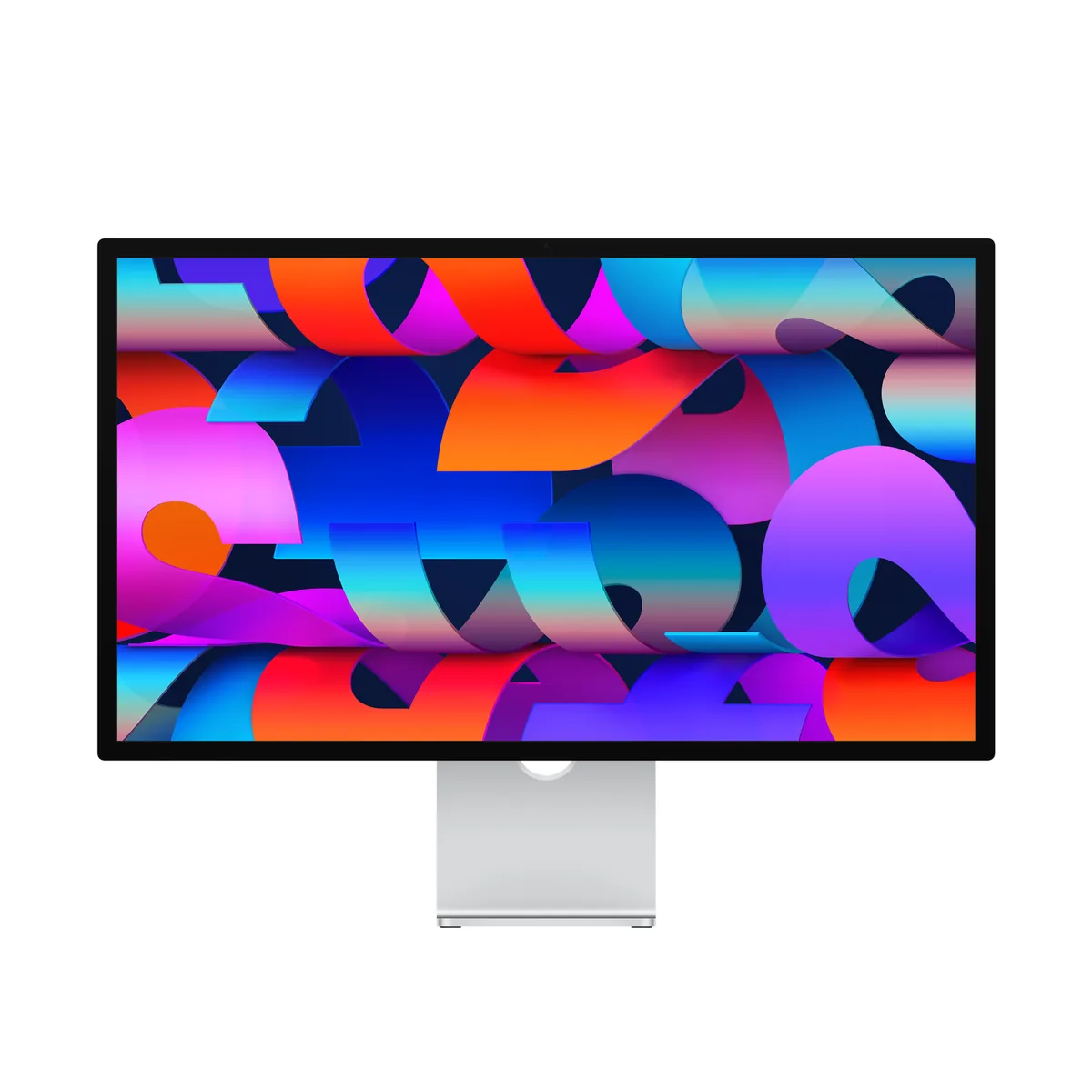
27″ · 5120×2880 · 60 Hz · IPS
Best for: A Mac desk where text sharpness and a clean cable matter more than refresh rate
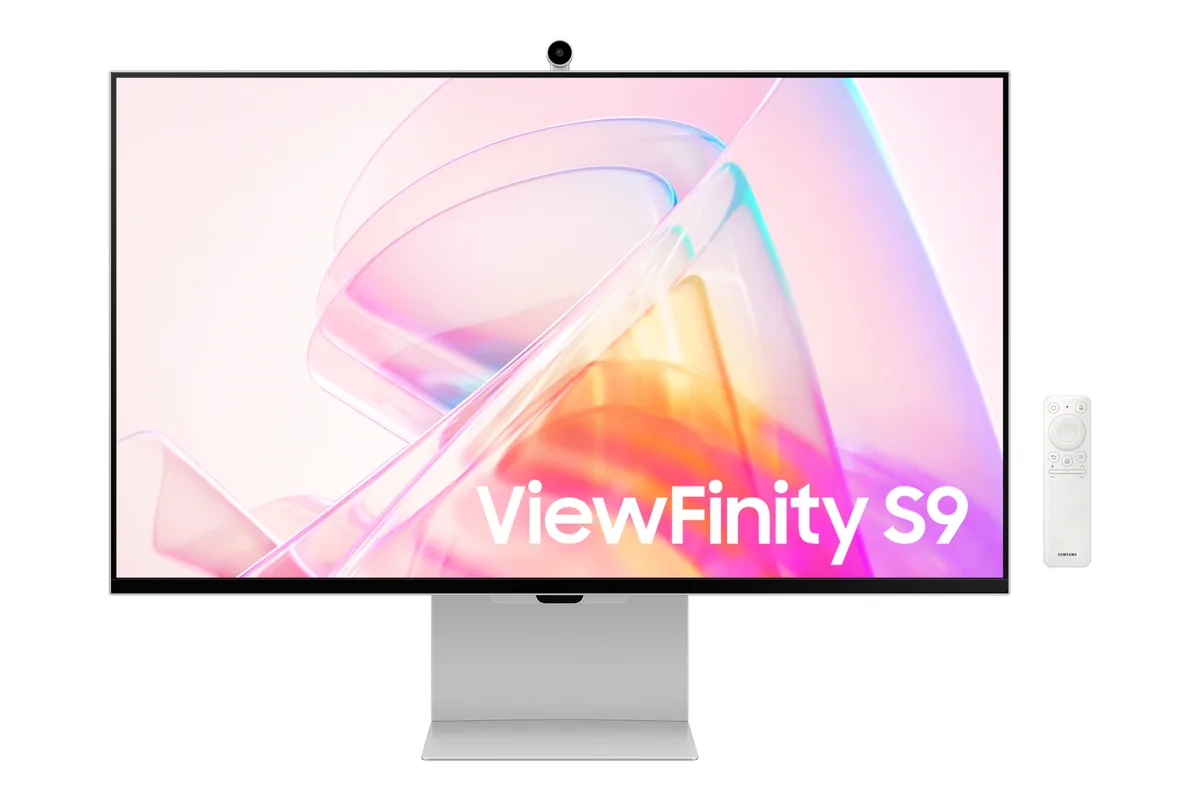
27″ · 5120×2880 · 60 Hz · IPS
Best for: macOS at a true 2× scaling factor without a glass panel
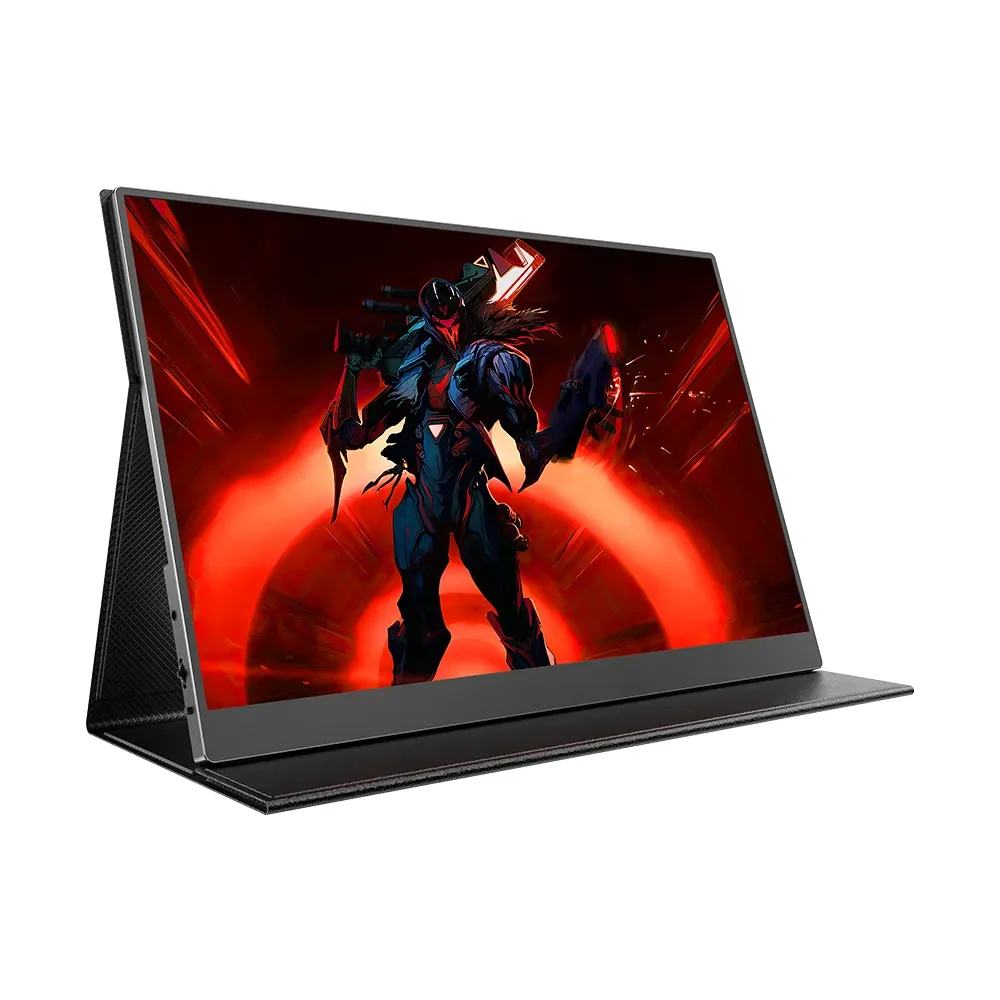
16″ · 2560×1600 · 120 Hz · IPS
Best for: A sharp, high-refresh travel panel that can also hang on an arm
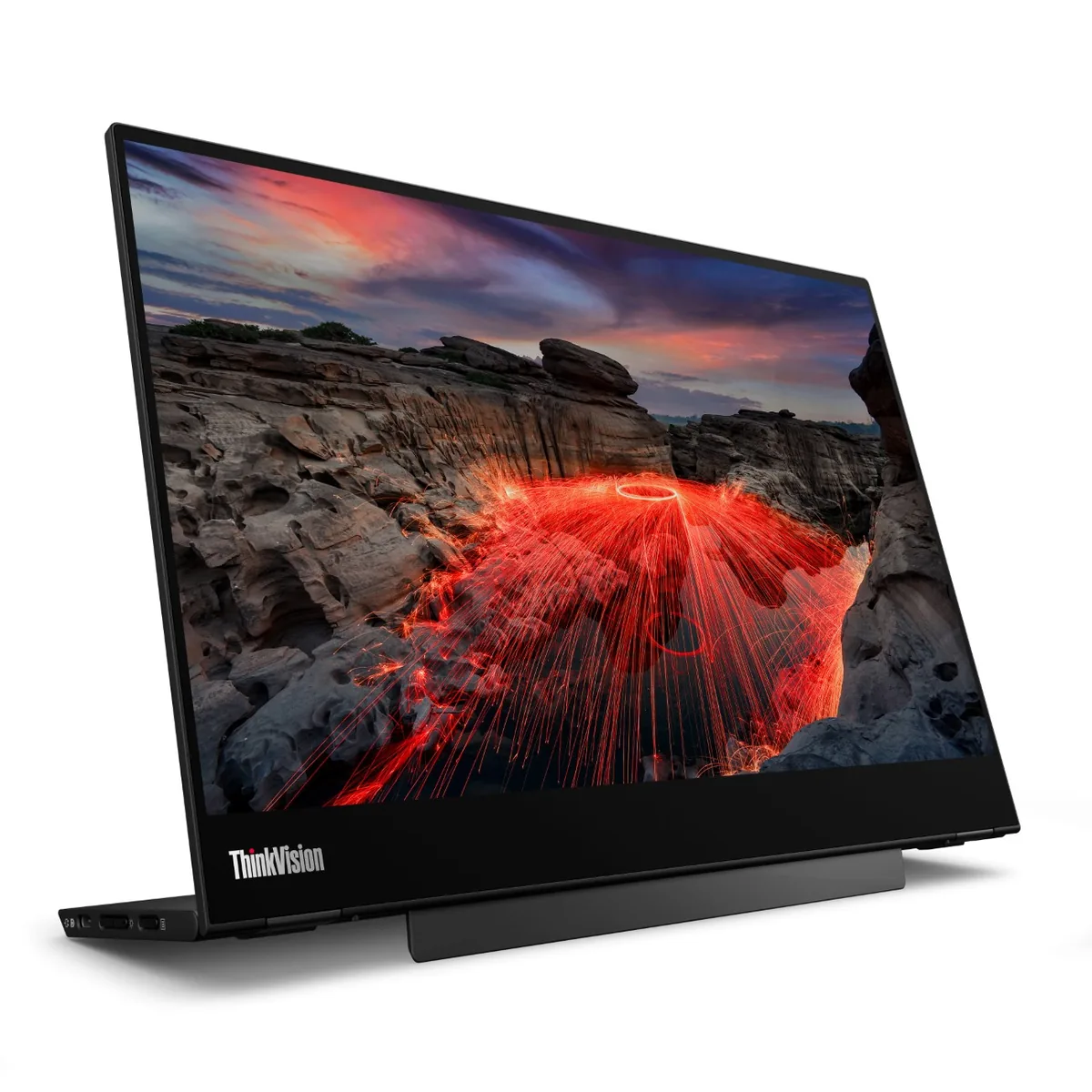
14″ · 2240×1400 · 60 Hz · IPS
Best for: Marking up documents by hand next to a laptop
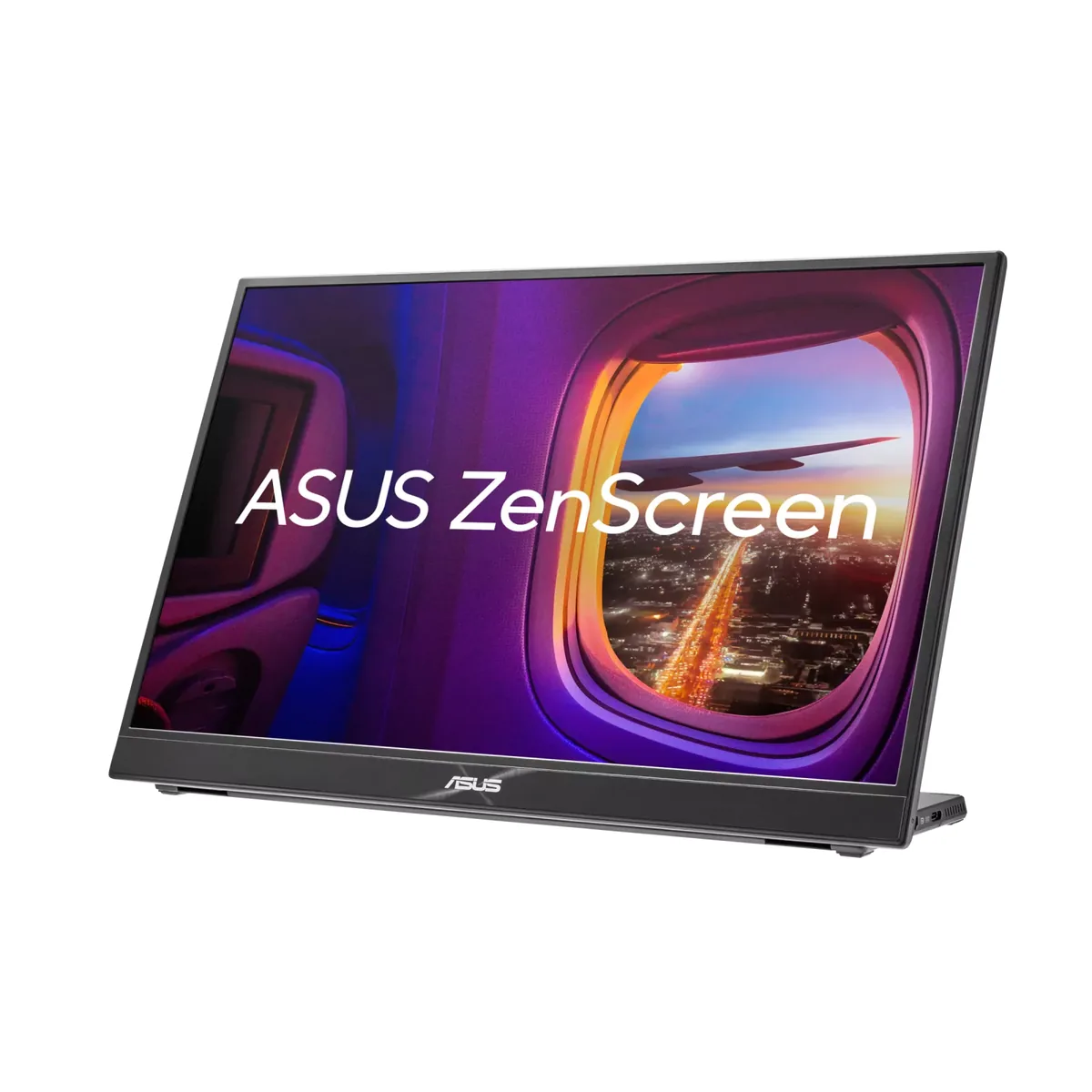
16″ · 2560×1600 · 120 Hz · IPS
Best for: A second screen in a bag that is good enough to be the only screen
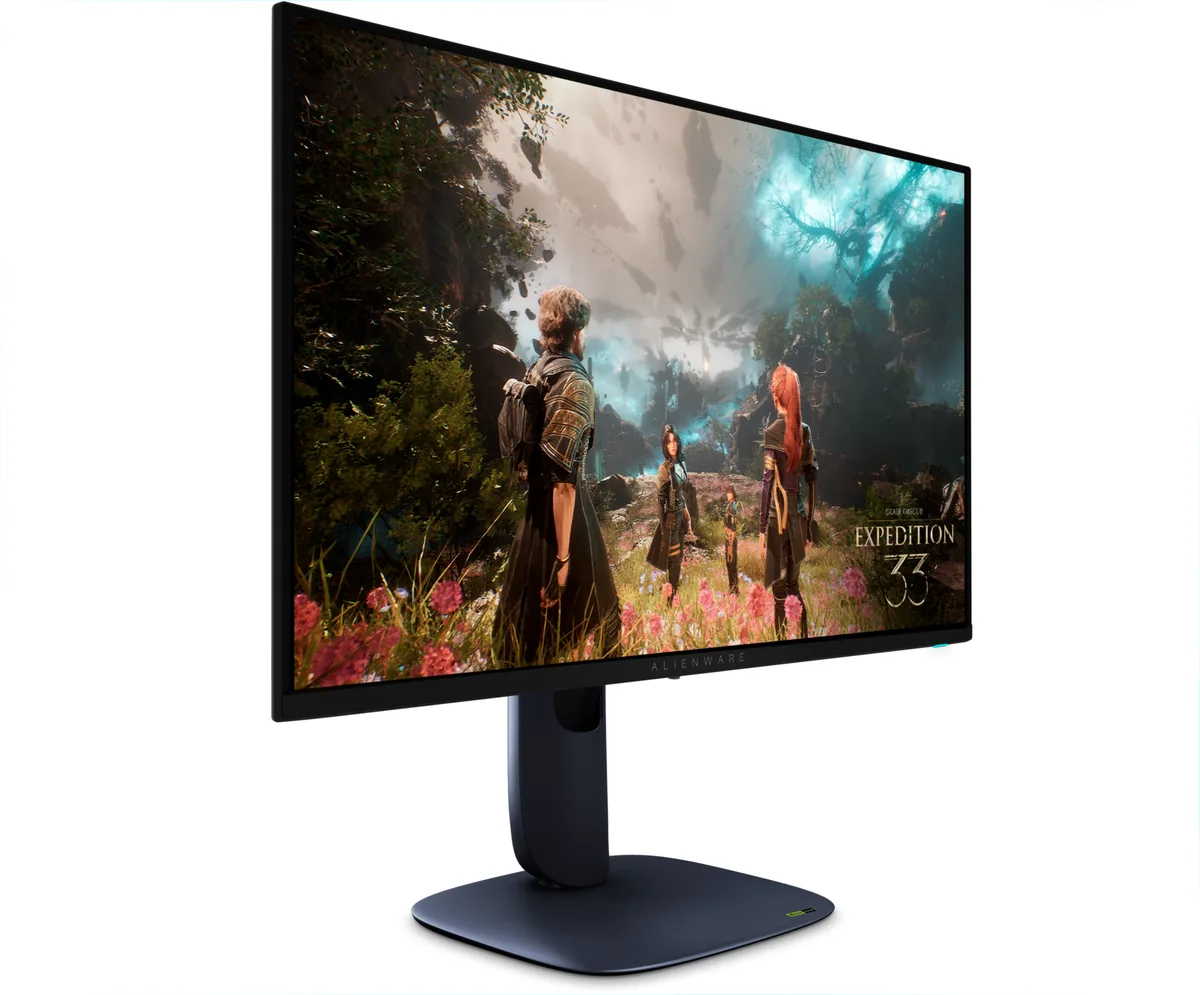
26.7″ · 3840×2160 · 240 Hz · QD-OLED
Best for: An OLED that has to handle text as well as it handles motion
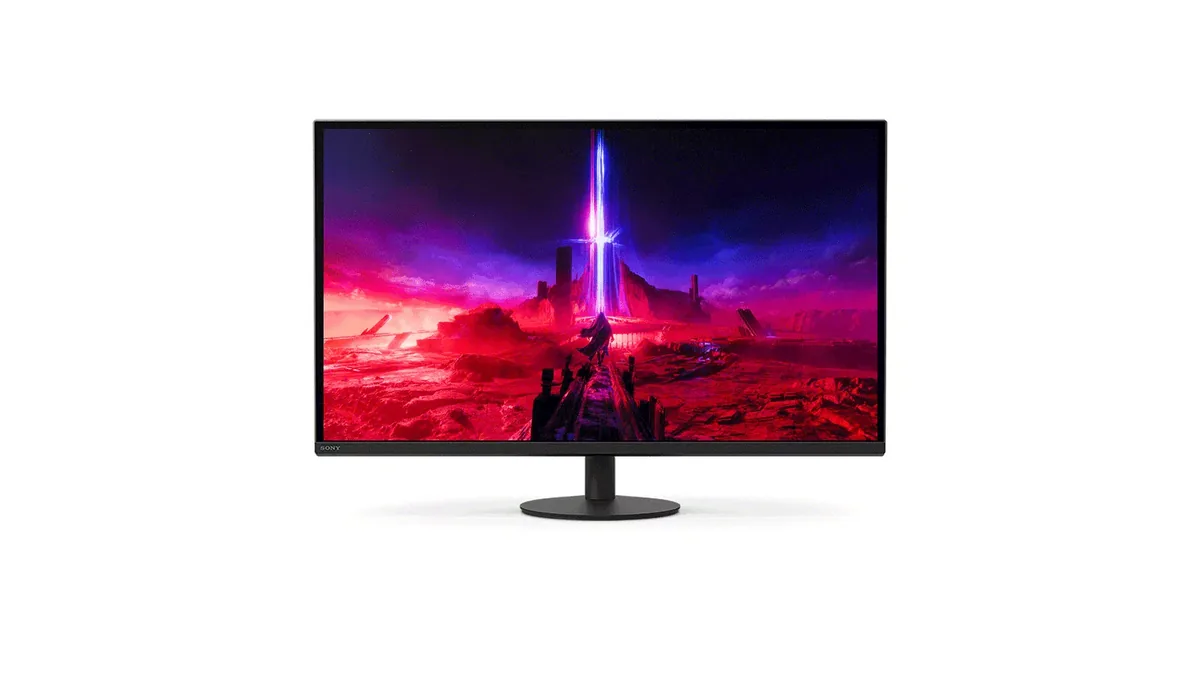
26.9″ · 3840×2160 · 160 Hz · IPS
Best for: Sharing one 4K screen between a console and a gaming PC
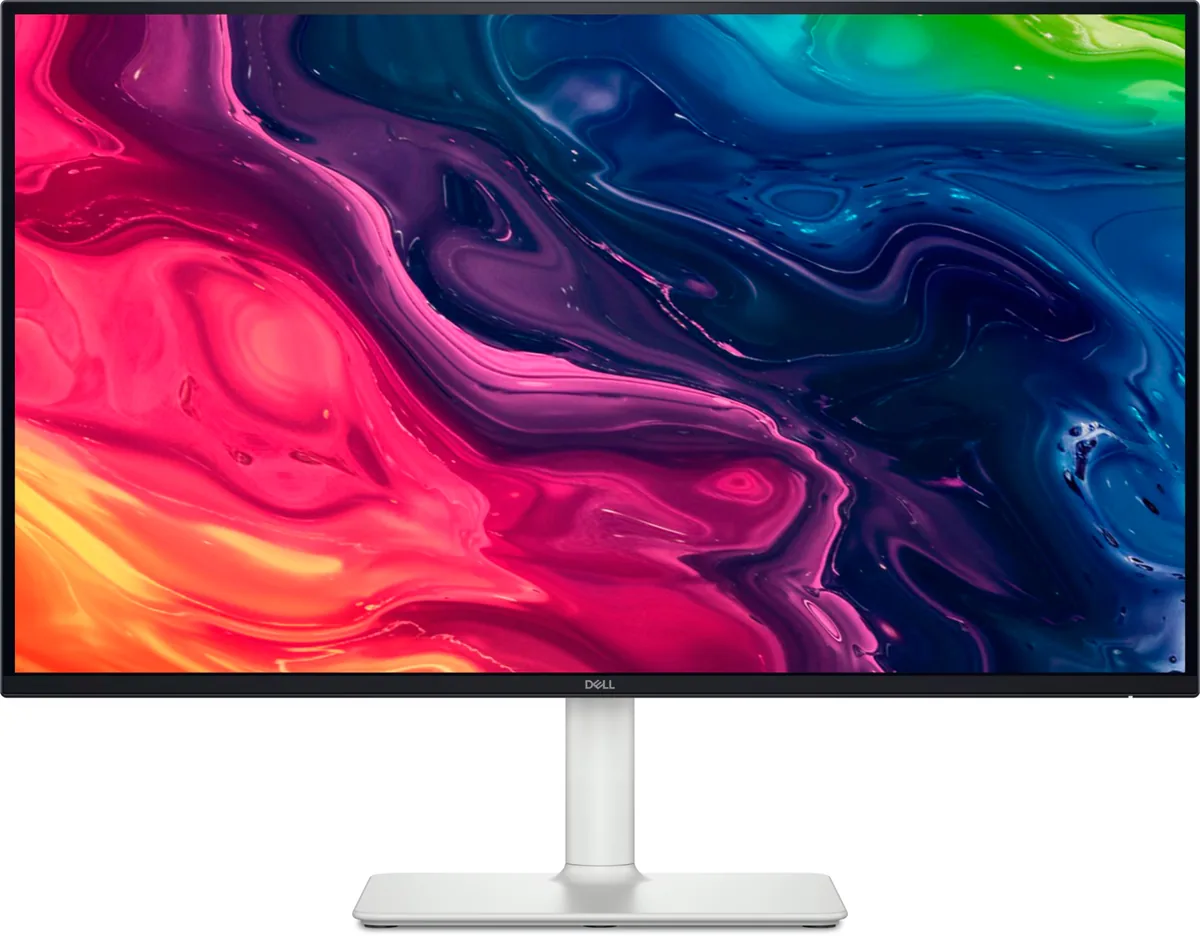
27″ · 3840×2160 · 120 Hz · IPS
Best for: A cheap sharp desktop for a console and a recent graphics card
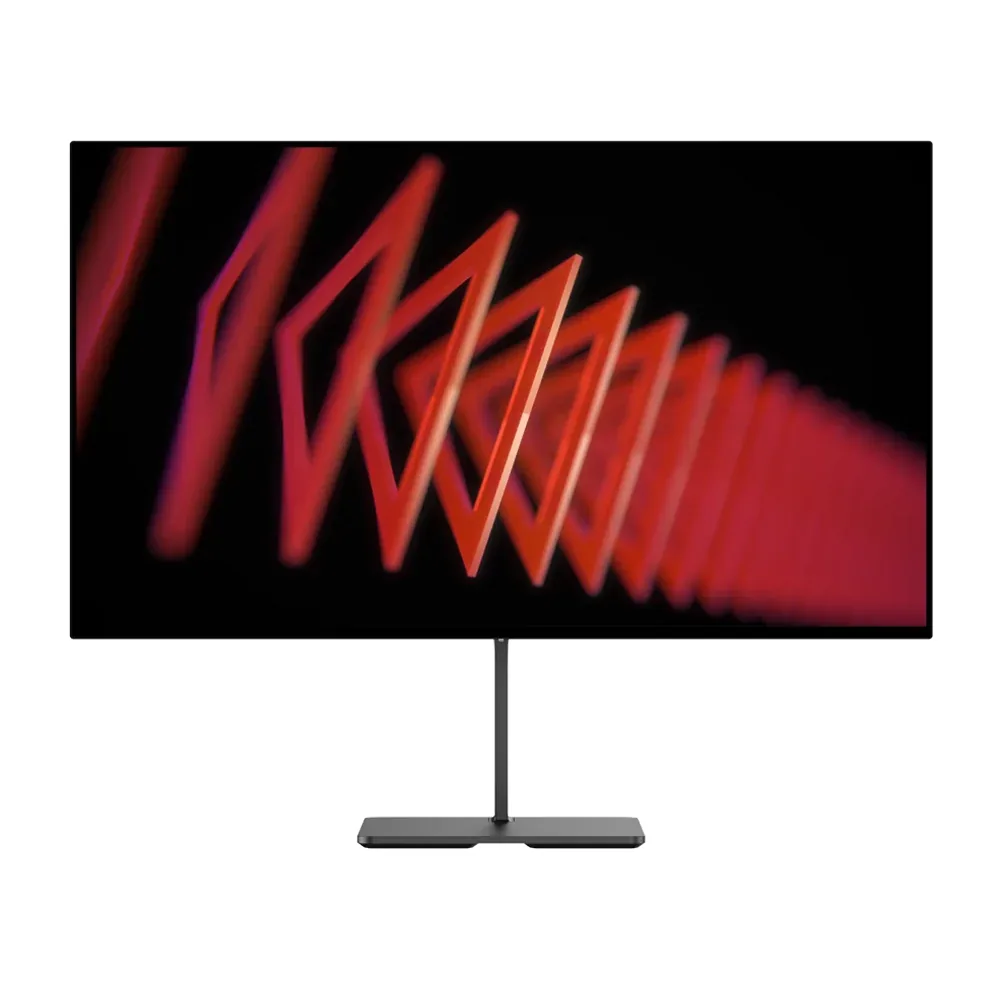
27″ · 3840×2160 · 144 Hz · IPS
Best for: A monitor-arm desk that wants 4K120 for a console and 144 Hz for a PC
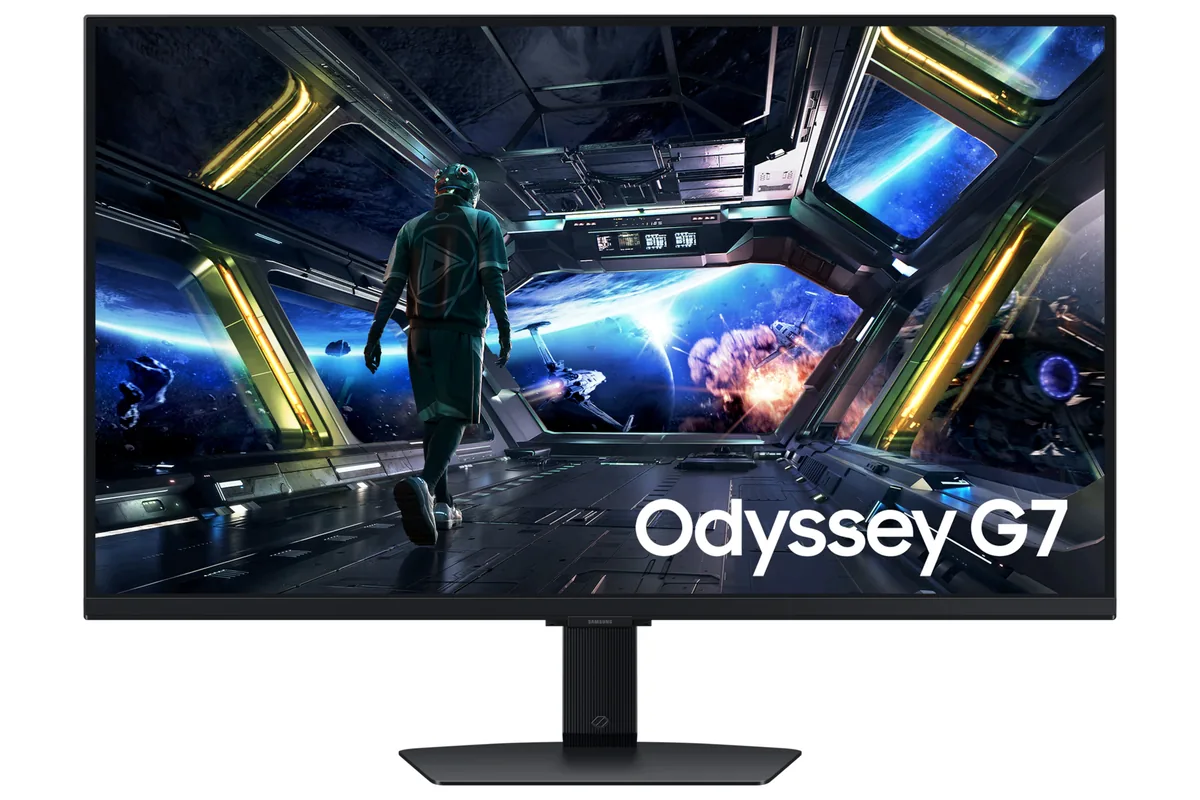
27″ · 3840×2160 · 144 Hz · IPS
Best for: 4K at 144 Hz for a console and a PC, with streaming apps built in
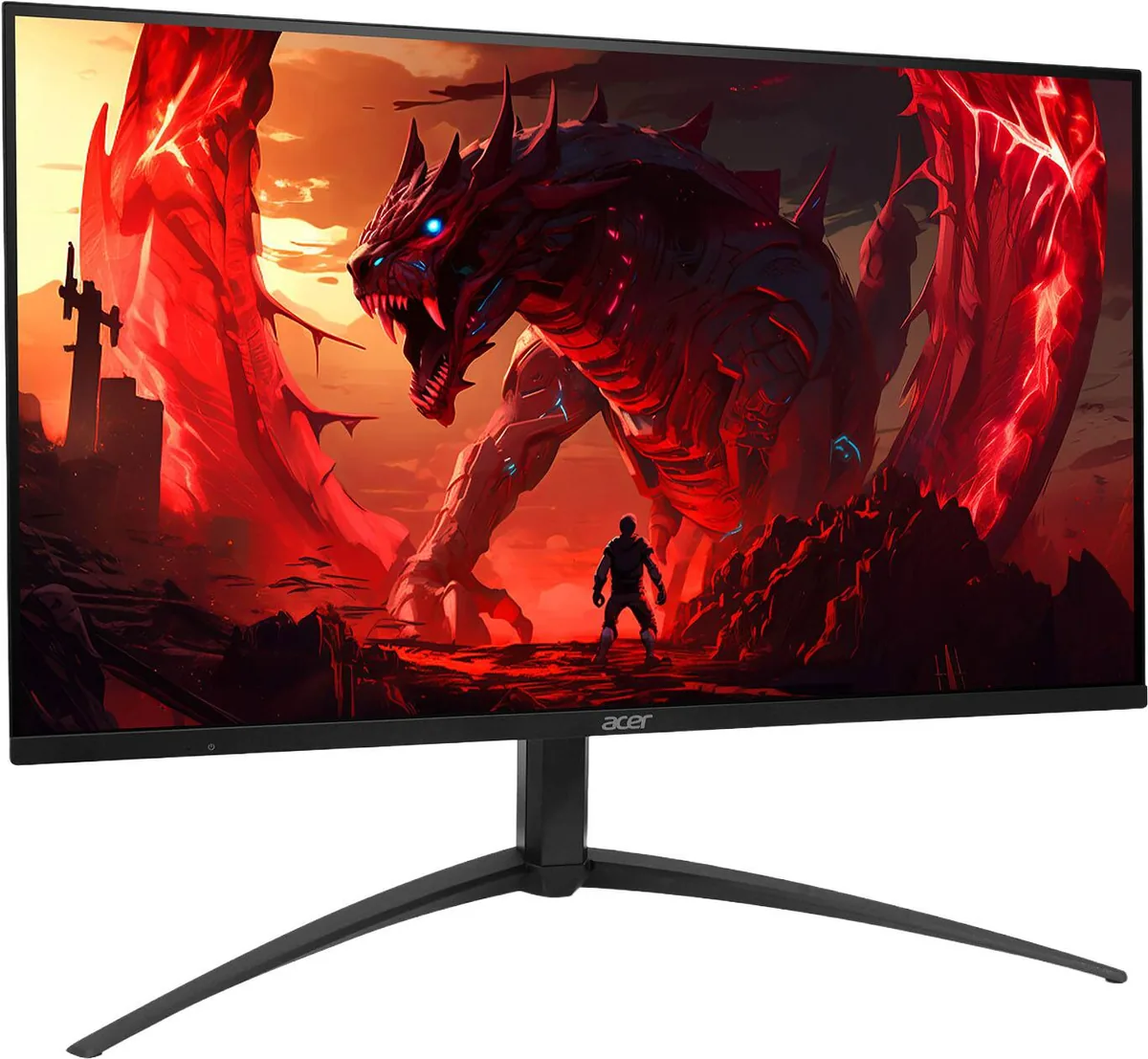
27″ · 3840×2160 · 160 Hz · IPS
Best for: HDR gaming on a budget that will not stretch to an OLED
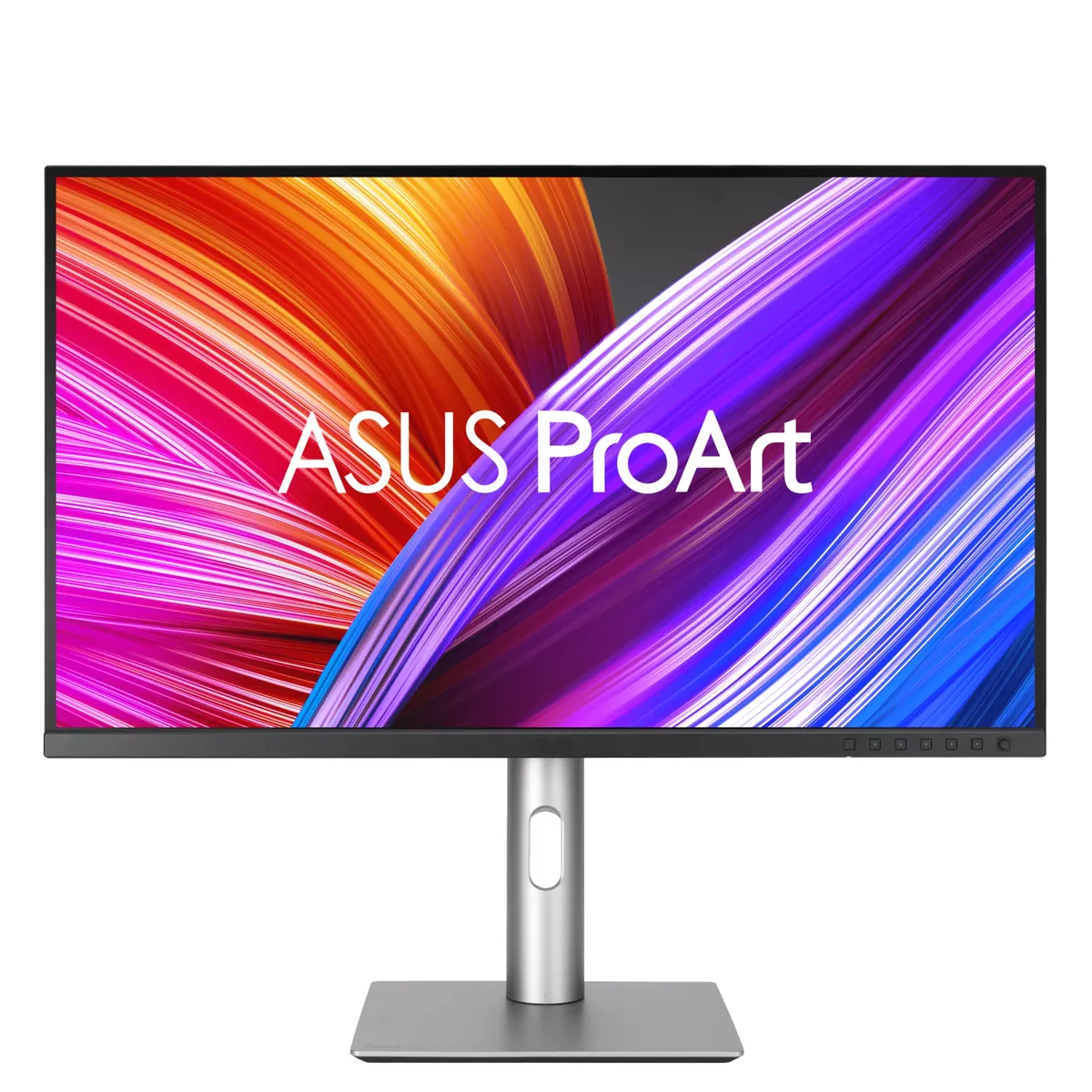
27″ · 3840×2160 · 60 Hz · IPS
Best for: Colour-critical photo and video work on a real budget
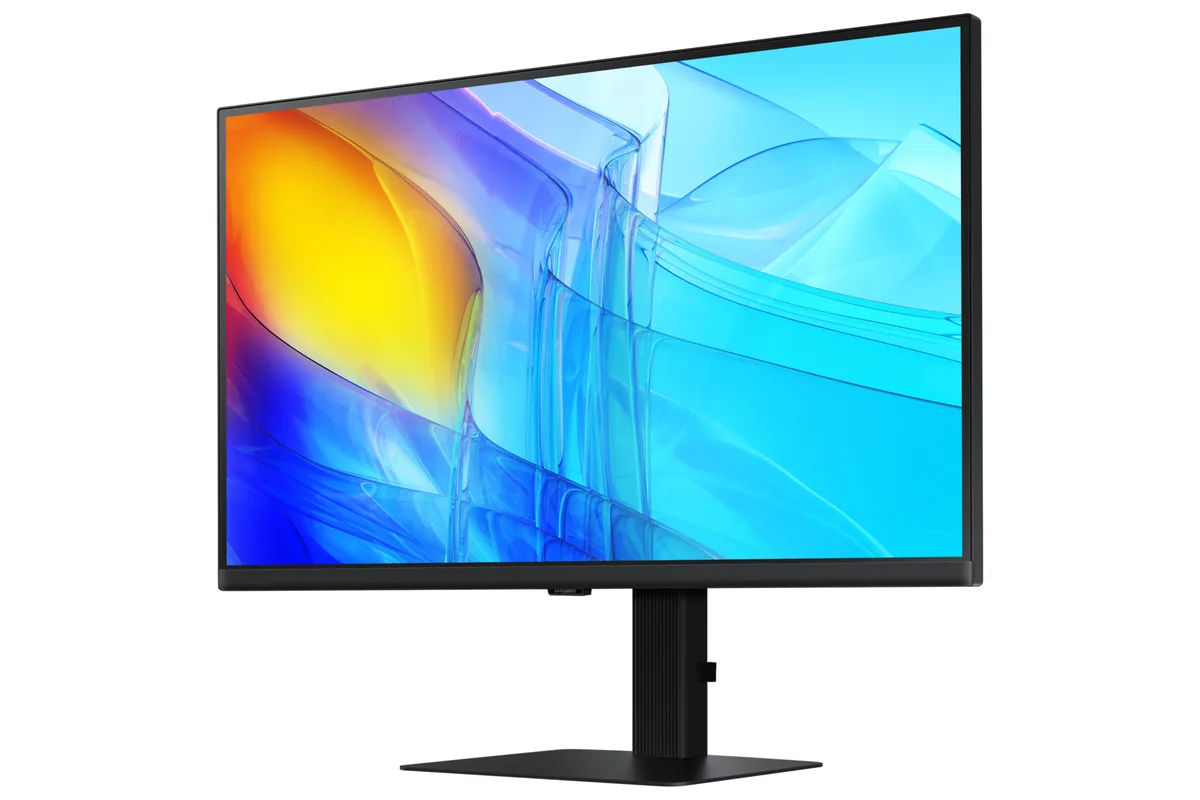
27″ · 3840×2160 · 60 Hz · IPS
Best for: A cheap one-cable 4K dock for a work laptop
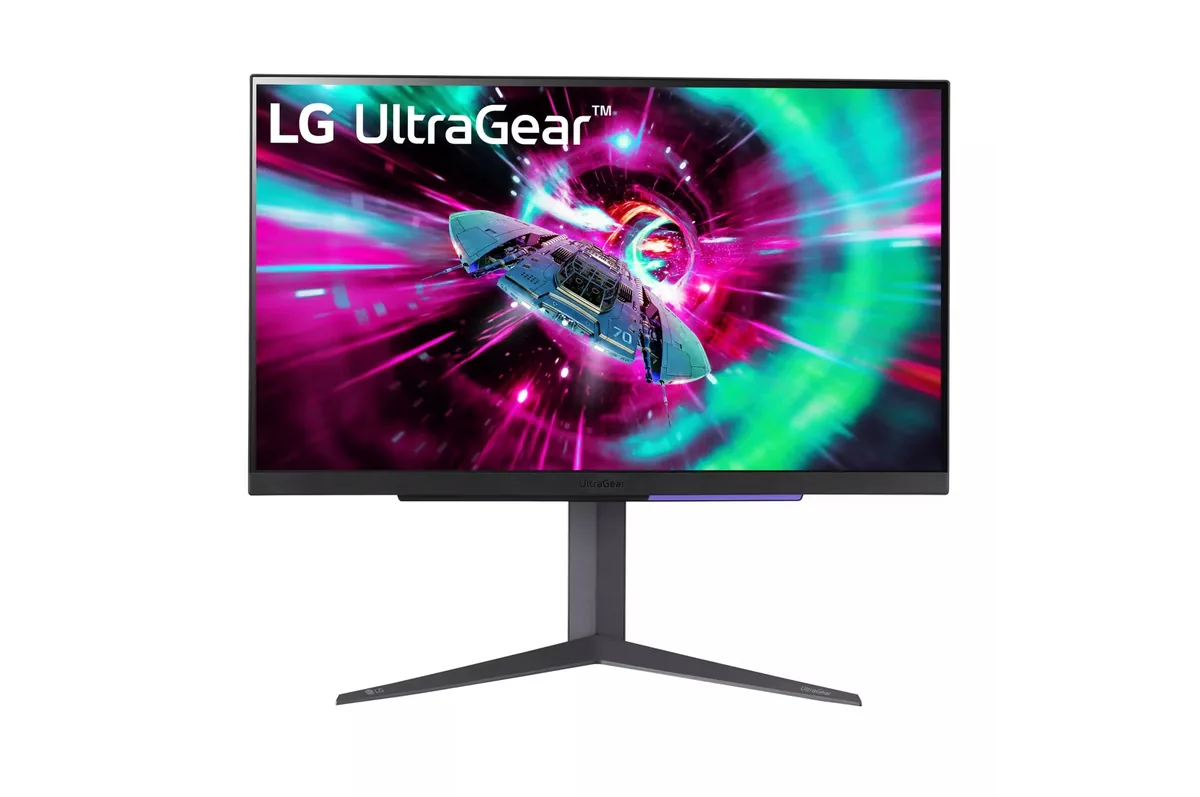
27″ · 3840×2160 · 144 Hz · IPS
Best for: One desk shared by a PC and a current console, without a bandwidth compromise on either
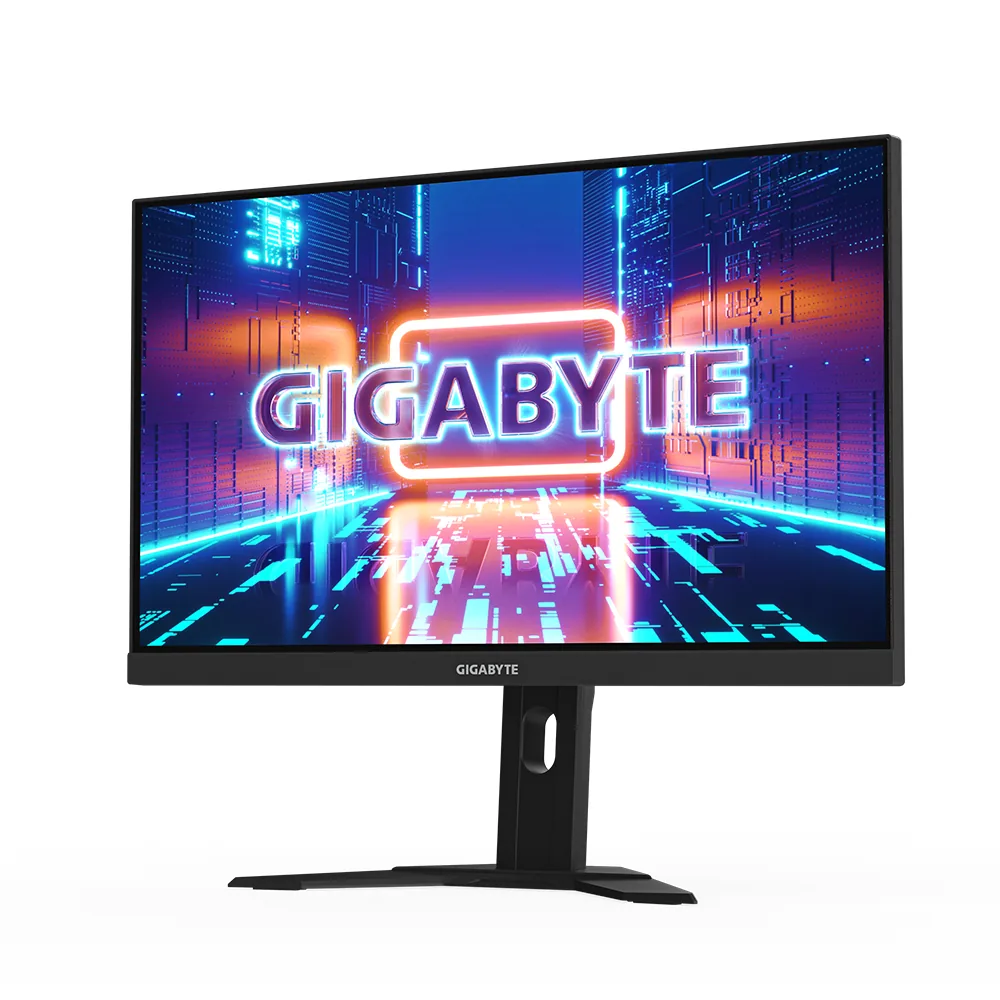
27″ · 3840×2160 · 160 Hz · Fast IPS
Best for: A 4K gaming desk shared between a PC and a work laptop
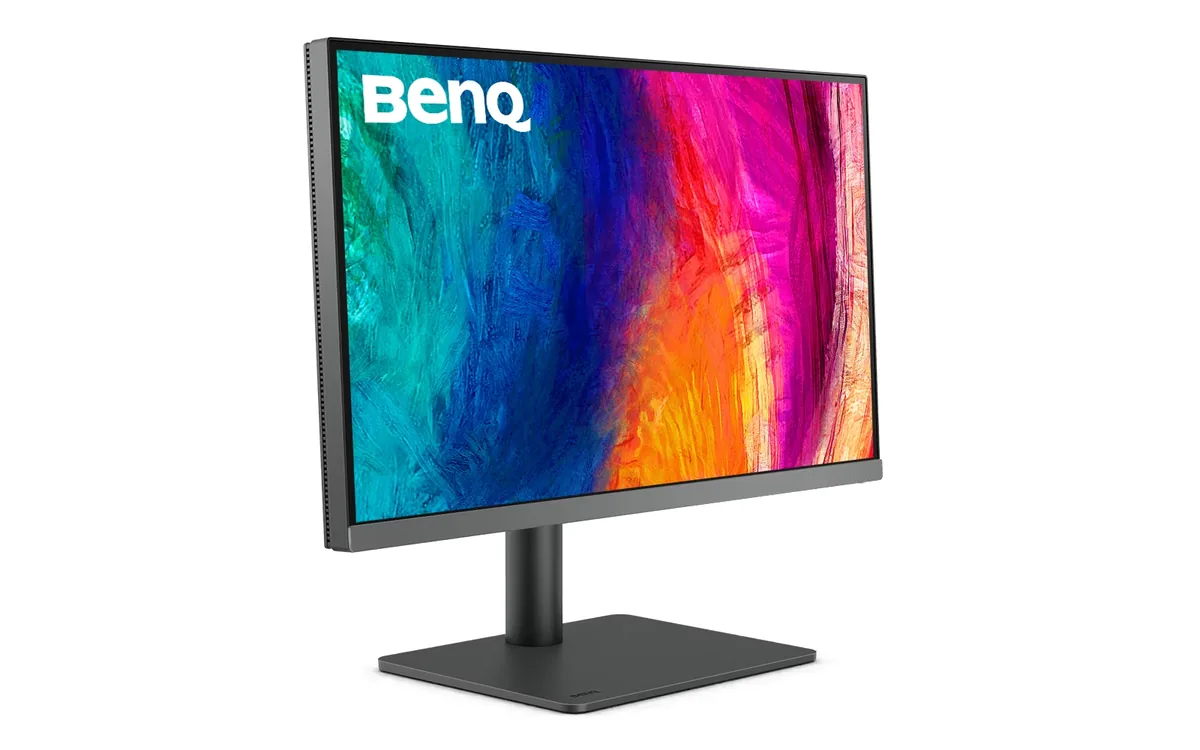
27″ · 3840×2160 · 60 Hz · IPS
Best for: A designer who wants one cable to a laptop and calibrated colour out of the box
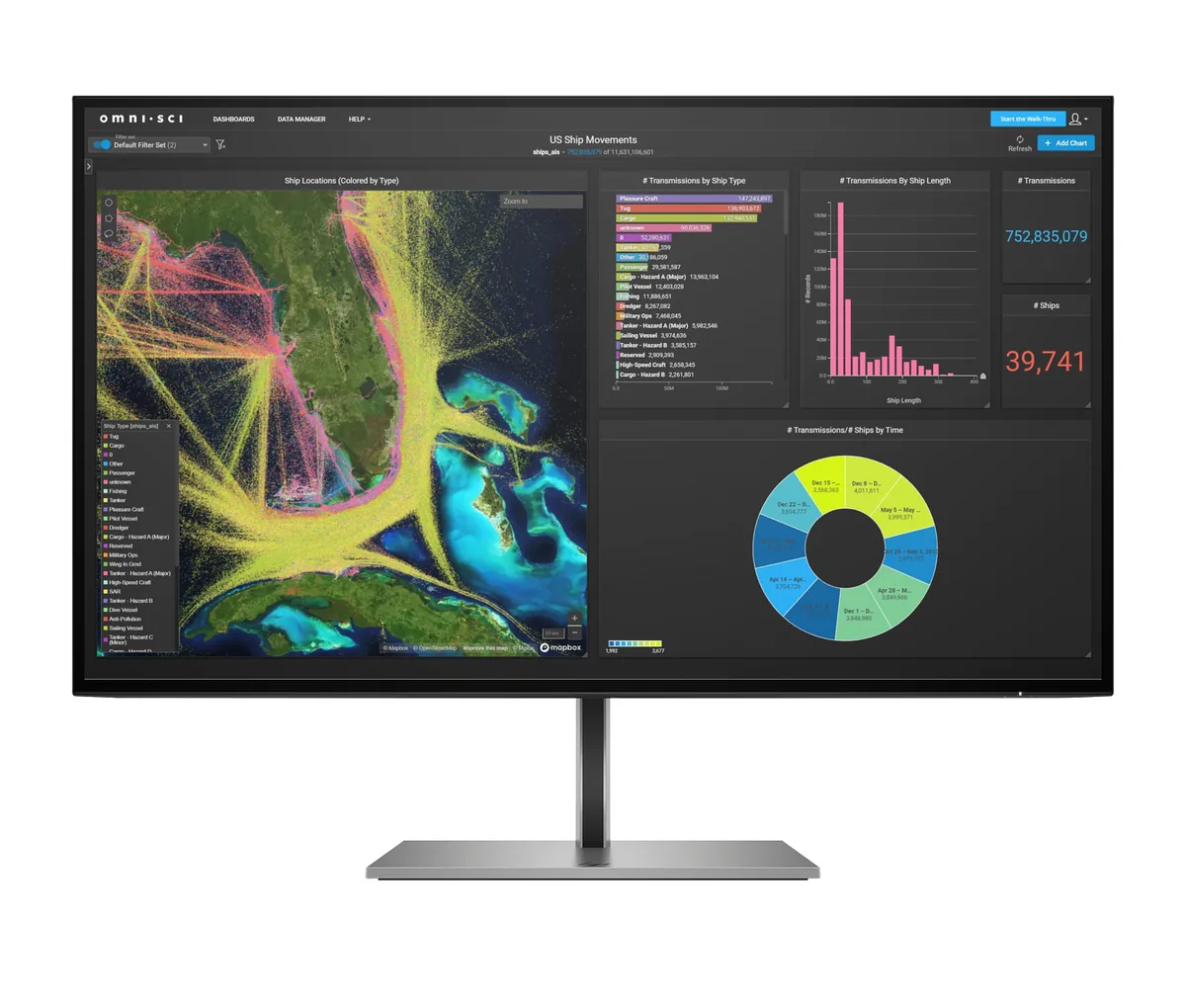
27″ · 3840×2160 · 60 Hz · IPS
Best for: One-cable docking for a work laptop that also needs a network port
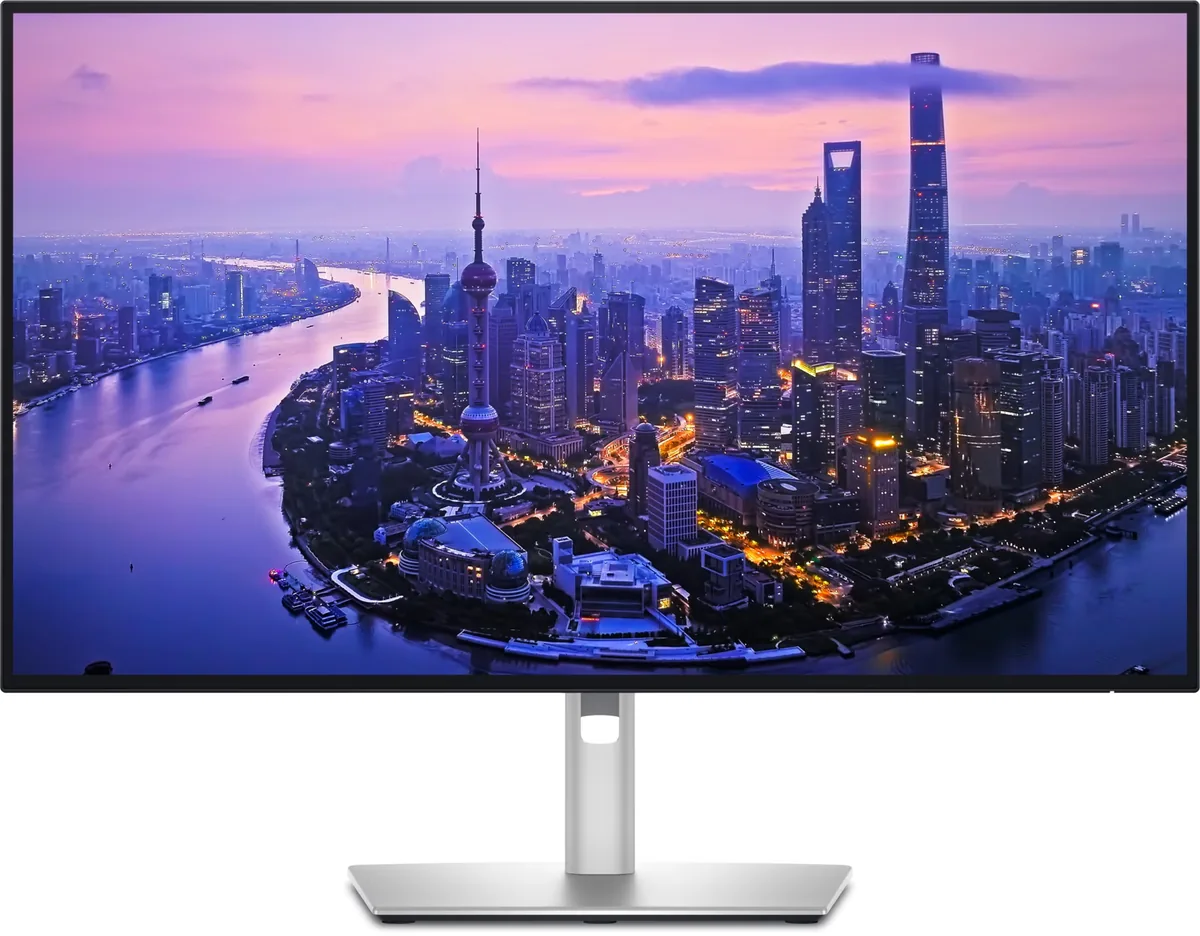
27″ · 3840×2160 · 120 Hz · IPS
Best for: A two-machine desk that should run from one cable and one keyboard
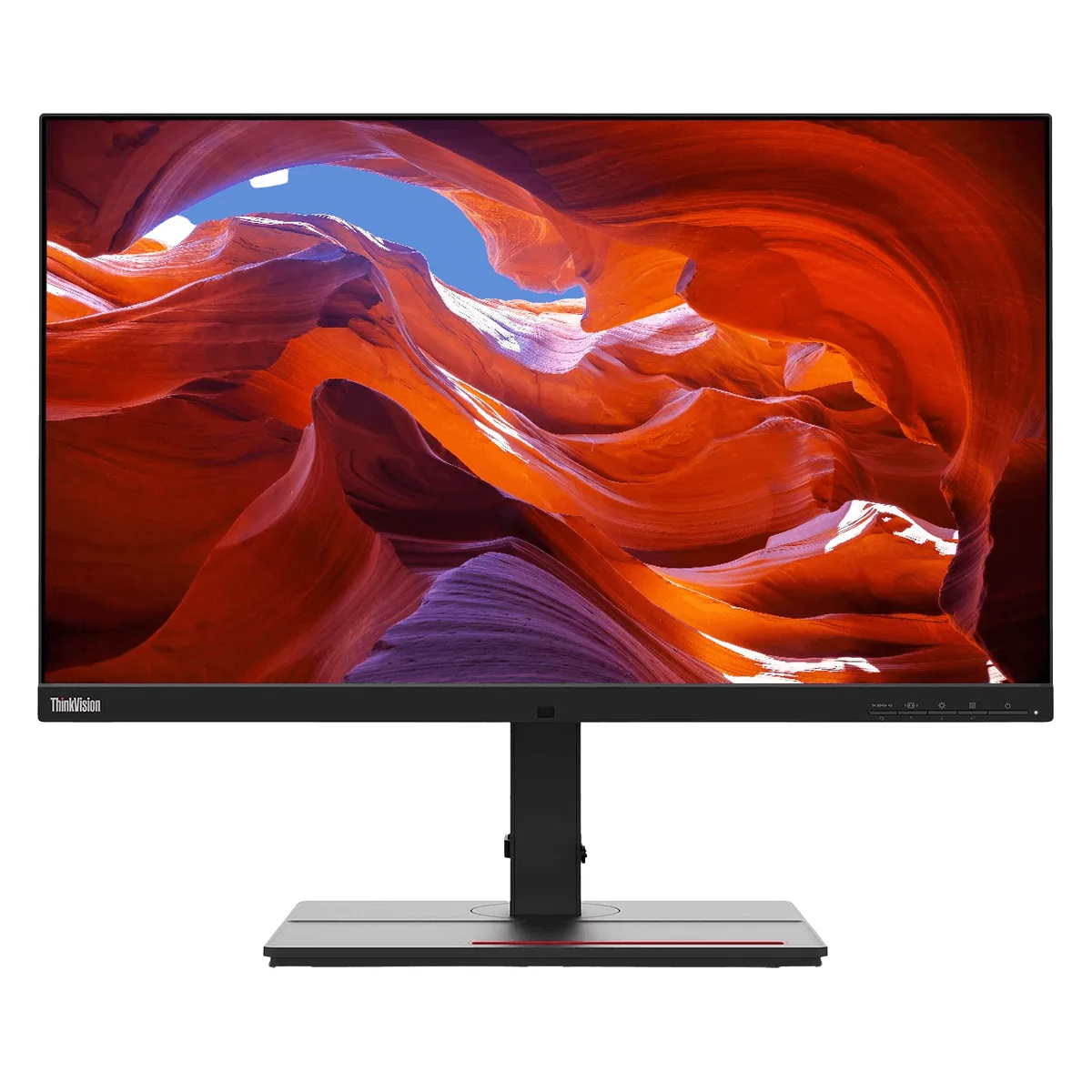
27″ · 3840×2160 · 60 Hz · IPS
Best for: Photo and print work off a single laptop cable
27″ · 3840×2160 · 60 Hz · IPS
Best for: Print and prepress work where Adobe RGB matters more than refresh rate
14″ · 1920×1080 · 60 Hz · IPS
Best for: The default laptop-bag second screen when nothing may go wrong
14″ · 1920×1080 · 60 Hz · IPS
Best for: A travel second screen bought on warranty rather than specification
39.7″ · 5120×2160 · 60 Hz · IPS
Best for: Replacing a two-monitor desk with one curved panel and one cable
The Sharpest 27-Inch Monitors Under $400
11 qualifying monitors
Ranked on pixels per degree of vision at a 24-inch viewing distance, then by price where two are level.
Monitors Under $700 That Can Actually Display HDR
10 qualifying monitors
Restricted to per-pixel emissive panels and to backlights claiming 600 nits or more with at least one dimming zone, then ordered by price.
Every OLED Monitor Here, Ranked by How Long Burn-In Is Covered
28 qualifying monitors
Ordered by the number of years the maker's warranty explicitly covers burn-in, then by price inside each tier.
USB-C Monitors With Enough Power for a 16-Inch Laptop
8 qualifying monitors
Every monitor delivering 100 W or more over USB-C, ordered by wattage and then by price.